See your results
Use campaign results to decide what to investigate next: delivery, audience fit, message or timing. maxclicks records email delivery and response signals at campaign and workspace level. This guide explains where to read them and what they can establish.
Open the email you sent
In the top navigation bar, open Broadcasts and click the one you want to check. A broadcast you have already scheduled or sent opens on its Metrics tab.
Read the top-line numbers
You will see how many people the email reached and how they responded. Results keep arriving for a while after you send, so click Refresh to pull the latest numbers.
Understand what each number means
Here is what the main numbers tell you:
- Sent: the sending provider accepted the message. It is not a delivery receipt.
- Delivered: the receiving mail server accepted the email. That is not a promise of inbox placement, since it can still land in spam.
- Opened: an open was recorded for the email. Treat it as a response signal, not proof that a person read the message.
- Clicked: a tracked link registered a click. It establishes a recorded interaction, not a purchase or activation.
- Unsubscribed: the person asked to stop receiving your emails.
- Bounced: the email could not be delivered, often because the address is wrong or no longer exists.
- Complained: the person marked it as spam.
Act on what you see
Start with delivery: inspect failed recipients and bounces before interpreting engagement. Compare response across similar audiences and sending periods. Low clicks can justify reviewing the offer, content or call to action; rising unsubscribes or complaints can justify reviewing audience fit and frequency. These signals suggest what to investigate, rather than establishing a cause.
Ask maxinja: "How did my last broadcast do, and what should I change next time?" It reads the results and gives you plain suggestions.
A note on bounces and complaints
Hard bounces, repeated soft bounces and complaints can create address suppressions automatically. Any suppression blocks future marketing; transactional messages are blocked by bounce suppressions. Suppression applies to the address, including other contacts that share it. Review consent and suppression behavior before interpreting an excluded recipient as a campaign error.
Trace the gap before planning another send
| Gap you see | Inspect next |
|---|---|
| Audience count exceeds sent emails | Missing or duplicate addresses, channel/topic consent, suppression, preparation errors and cancellations. |
| Preparation has not progressed | Campaign credit or quality hold, current readiness and the scheduled time. |
| Sent exceeds delivered | Individual email activity and provider delivery errors; allow for events still arriving. |
| Delivery is healthy but clicks are weak | Representative messages, audience fit and destination experience. Metrics suggest an investigation, not a proven cause. |
| A workflow has waiting runs | Delay deadlines, workflow pause, available credits, capacity and event-history evidence. |
Do not resend the whole audience to fill a reporting gap. A delayed event or uncertain provider acceptance can hide a message that was already sent. Use recipient history to decide what follow-up is appropriate.
See everything at once
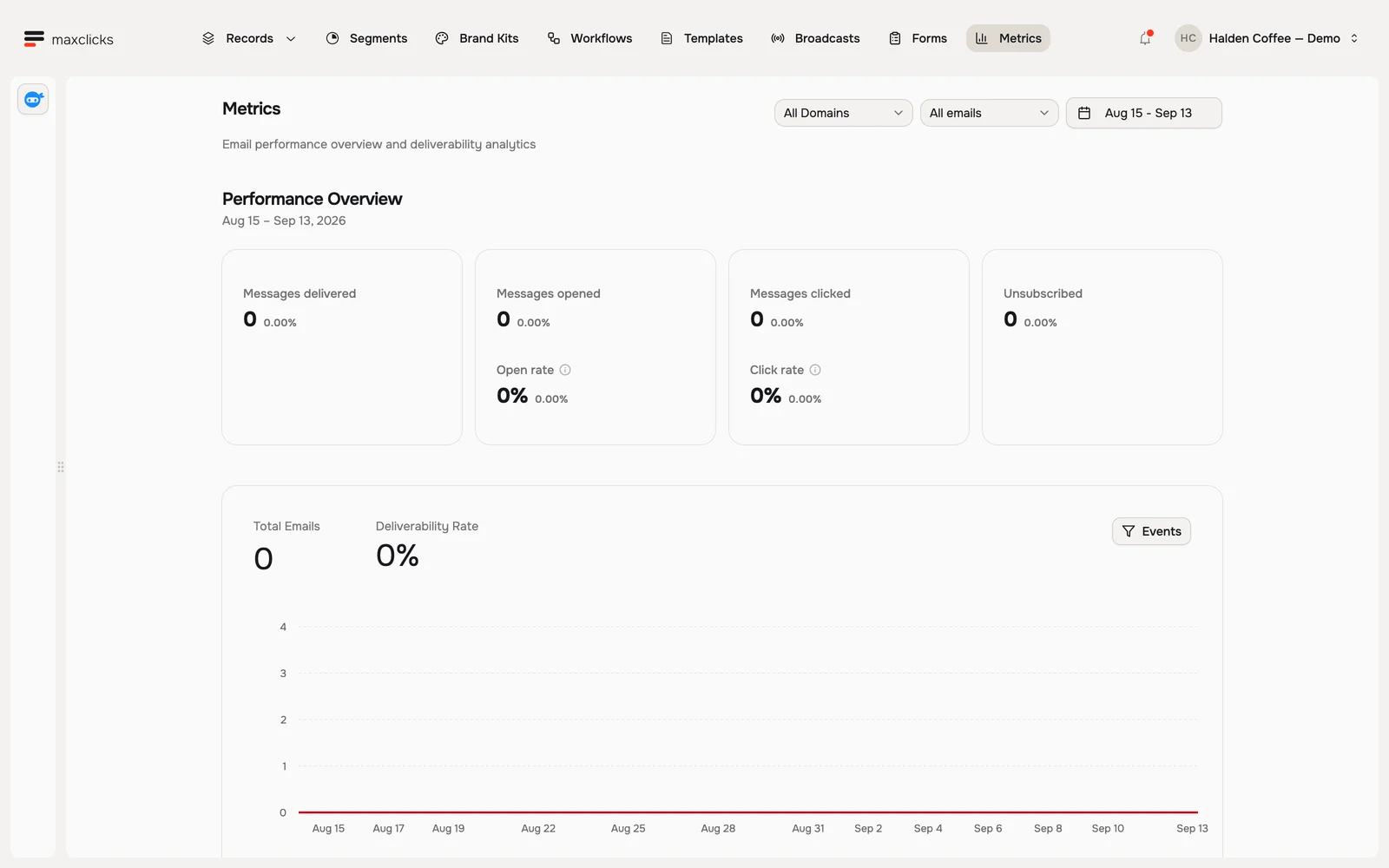
A broadcast tells you how one email did. Metrics, in the top navigation bar, rolls up every email your space sent over a date range: sent, delivered, opened, clicked, bounced, complained, and unsubscribed. Delivered, opened, clicked, and unsubscribed are each shown against the previous period, which is where a trend becomes visible. The page also ranks your best broadcasts, templates, and workflows.
You can filter by sending domain and by marketing or transactional. The presets run from today to the last 30 days, and a custom range can span up to 90 days: past that, the page reports that the window is too wide rather than trimming it.
Connect the signal to the business outcome
A click is not an order, and an open is not product activation. Bring meaningful business events, such as a completed purchase or first project, into your customer model when you need those facts for a segment or journey. The email metrics alone do not establish revenue attribution.
Next
Head back to Send a broadcast, or set up a workflow that sends the right email on its own.